
The hidden cost of downtime: what a PMS outage costs a dental practice
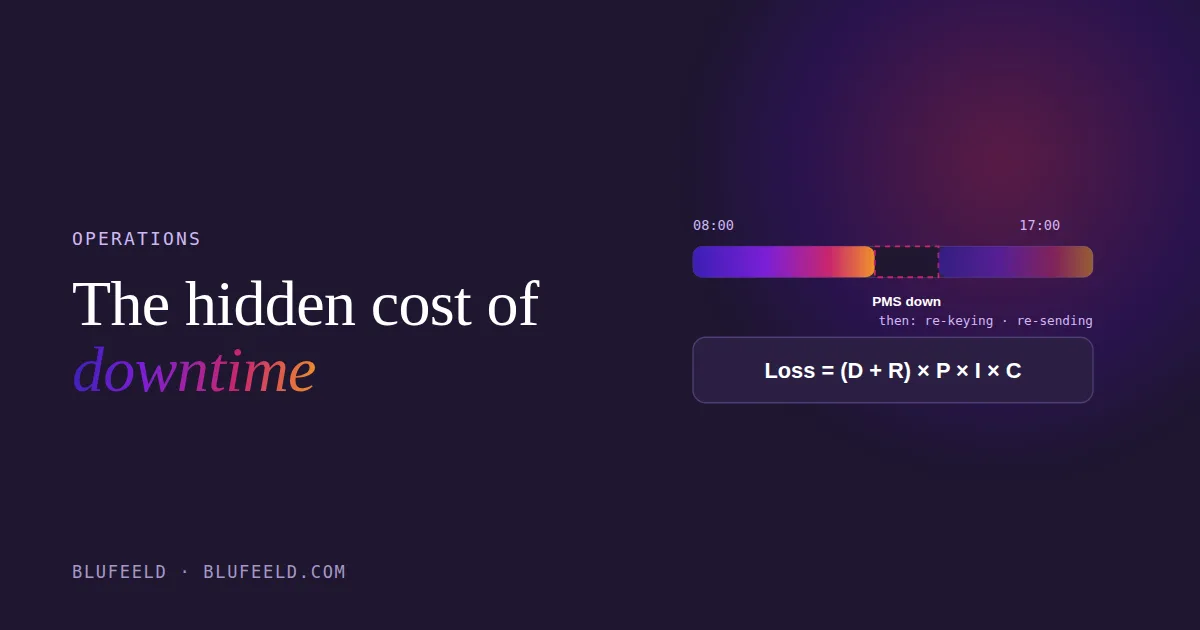
When the practice management software goes down, the office does not stop. That is the problem. The phones keep ringing, patients keep arriving, and the front desk starts writing appointments on paper and promising to “put it in later.” The chairs stay full, so the day looks fine on the production report. The cost lands afterwards: in the re-keying, the double-bookings, the claims that go out late, and the hour it takes everyone to trust the schedule again.
Owners tend to think of downtime as a rare disaster. In most practices it is a routine expense that nobody has ever added up. This post gives you a way to add it up, with your own numbers.
The six things that decide what downtime costs
- Uptime (U). The share of the time the software actually works. 99.5% sounds excellent. Over a month it is still about 50 minutes of dead time.
- Operating hours (T). Hours per month the practice is open and depends on the system. Four days a week, eight hours a day, is roughly 140.
- Production rate (P). What the practice produces per hour on a normal day. Your monthly production divided by T. This is the number on your own report, not an industry average.
- Impact factor (I). How much of that production is lost while the system is down, from 0 to 1. A hygienist mid-cleaning keeps going; the front desk stops cold. For most offices this sits between 0.6 and 0.9.
- Dependency (C). How much of the practice runs through the software. If charts, schedule, billing and imaging all live in it, this is 1. If you still keep paper charts, it is lower.
- Recovery buffer (R). Hours spent after the system comes back: re-entering the paper appointments, fixing what was double-booked, re-sending claims. This is the one everybody forgets and it is usually larger than the outage itself.
The calculation
Downtime hours per month: D = (1 − U) × T
Production lost per month: Loss = (D + R) × P × I × C
Worked through with round numbers, so you can substitute your own:
- Uptime 99% (U = 0.99), operating hours 160 a month
- Production $500 an hour, impact 0.8, dependency 1.0
- Recovery buffer 5 hours
D = (1 − 0.99) × 160 = 1.6 hours of outage.
Loss = (1.6 + 5) × 500 × 0.8 × 1.0 = $2,640 a month.
Notice where the money is. The outage itself was an hour and a half. The recovery was five. A practice that measures only “how long was the server down” is looking at a quarter of the bill.
Now run it with your figures. Most owners who do this for the first time find the annual number is larger than the cost of fixing the cause.
What actually moves the number
You cannot buy 100% uptime, but each of the variables above can be pushed.
Shrink R with a paper-day procedure. Most of the recovery cost comes from improvisation. A one-page procedure for “the PMS is down” (which paper form to use, who confirms with patients, who re-keys and in what order when it comes back) cuts the buffer more than any hardware purchase. It should be written before you need it and every front-desk person should know where it is.
Test a restore, not a backup. Nearly every practice has backups running. Far fewer have ever restored one to see whether it works and how long it takes. Until you have, R for a serious failure is unknown, and “unknown” in this formula means “days.” Restore to a spare machine once a year and time it.
Know who owns the server. An on-premises PMS server that nobody monitors fails on its own schedule. Either someone is accountable for patching, disk space and backups, or the practice is accepting a lower U than it thinks. A cloud PMS moves that responsibility to the vendor, with its own trade-offs; I compare the two in Dentrix vs Curve.
Treat ransomware as the worst-case downtime. The same formula applies, with D measured in days and R in weeks. It is the reason offline, tested backups matter more than any other single control. More on that in Ransomware in a dental office.
The number nobody puts on the report
Downtime is one of a family of costs that never appear on a production report: the hours re-keying, the claims corrected, the schedule rebuilt after a holiday. They look like “busy.” They are actually the practice paying for the absence of a system. If you want to know how many of those costs your office is carrying, the twelve-question assessment will show you in about four minutes, and question ten is the one about restores.
