
One login for everyone: shared passwords in a dental office
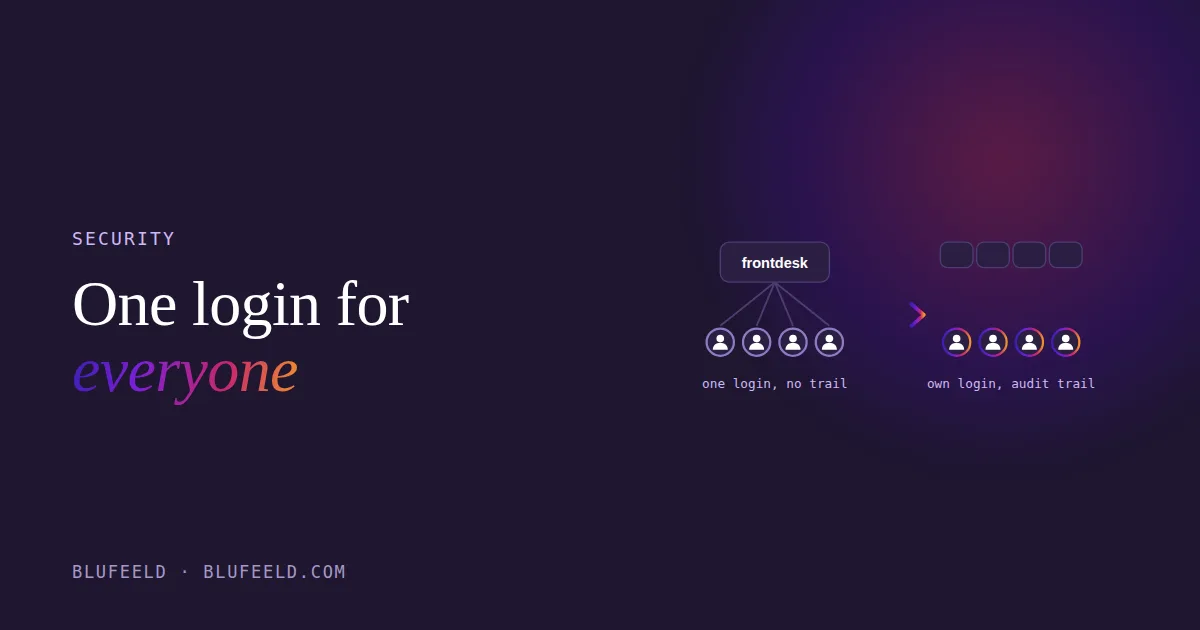
There is a password on a sticky note under the keyboard at the front desk. It logs everyone into the practice management software. The hygienists know it, the part-timer knows it, and so does the assistant who left in the spring. If anything in the patient records were changed on a Tuesday afternoon, nobody could say who did it.
Most practices I walk into have some version of this. It is not carelessness; it is what happens when a team of eight has to get into six systems and nobody has given them a better way. This post is about the better way, why it matters more than it sounds, and what to look for.
Why one login for everyone is a problem
There is no audit trail. When every action in the PMS is recorded as “frontdesk,” the log tells you nothing. Your regulator, PHIPA in Ontario, PIPA in British Columbia, HIPAA in the United States, expects you to be able to say who accessed a patient’s record and when. With a shared login you cannot.
Former staff still have access. Changing a shared password means telling everyone the new one, so it tends not to happen. The person who left in the spring can still get in. Most owners are not sure whether that is true of their office, and “not sure” is the answer that matters.
One weak password protects everything. The same password on the PMS, the imaging software, the insurance portals and the email means one guess, or one phishing email, opens all of them. Verizon’s annual breach report has found for years that the majority of hacking-related breaches involve stolen or weak credentials; a dental office is not an exception to that.
It makes cross-training harder. If you want more than one person able to do every front-office job, you need more people in more systems, and that only stays safe if each of them has their own door in. Shared logins and a rotating team do not mix.
What a password manager does in a dental office
A practice-wide password manager is a vault that holds every login the office uses, gives each team member their own account to reach it, and fills in the credentials for them. In practice that means four things:
- Everyone has their own login to everything. The PMS, imaging, the insurance portals, email, the supply vendors. Long, unique passwords the manager generates and nobody has to remember.
- Access is granted by role. The front desk gets the insurance portals; the hygienists do not. The owner or office manager decides once, and it applies.
- Offboarding takes one click. When someone leaves, their account is disabled and every login they had is gone the same day. Nobody has to change a shared password and tell the team.
- There is a record. Who used which login, when. That is the audit trail the regulator expects and the shared sticky note cannot provide.
The side effect owners notice first is that “I forgot my password again” stops being a daily event at the front desk.
What to look for
- A written agreement that meets your regulator’s standard. In the US that means the vendor will sign a Business Associate Agreement. In Canada, ask where the data is hosted and what the agreement says about it.
- Zero-knowledge encryption. The vendor cannot read your passwords. Only encrypted data reaches their servers.
- Role-based sharing and an admin view. So the office manager can grant and remove access without knowing anyone’s password.
- Two-factor authentication on the vault itself. Non-negotiable.
- Easy enough that the team will use it. Browser extension, phone app, one-click fill. A password manager the front desk finds annoying gets worked around, and a workaround puts you back on the sticky note.
While you are at it: the email address
The same conversation usually turns up a practice sending patient correspondence from a free Gmail address. Move it to an address on your own domain (drsmith@smithdental.ca rather than smithdental@gmail.com), on a business email service. It looks like a business, it lands in fewer spam folders, every team member gets their own mailbox instead of sharing one, and the business tier gives you the security controls and the written agreement that a free account does not. It is a small job and it belongs in the same week as the password manager.
How it goes in
It takes an afternoon to set up and a week for the team to stop reaching for the sticky note. The order: create the vault, add the logins the office actually uses, invite each person, assign access by role, turn on two-factor, and then, on a quiet Friday, change every shared password to a generated one so the old ones stop working. That last step is the point of the whole exercise. Do it, and the assistant who left in the spring is finally out.
Security is one of the five parts of the CrossDesk Method™; the reason it sits alongside cross-training and task management is that none of the others are safe without it. If you are not sure how many shared logins your office has, questions eight and nine of the twelve-question assessment are the ones to answer as things are, not as they should be.
